Customer Experience (CX): Definition, Importance, and Strategies for Success
Tue, 25 February 2025

Follow the stories of academics and their research expeditions
There’s no doubt that WhatsApp is the most popular platform for business communication as well as for personal chatting. On the other hand, when we talk about CRMs for managing customer data, sales pipelines, and marketing automation, HubSpot always comes top of the list. Both WhatsApp and HubSpot can be integrated, which provides:
- Keeping all conversations saved in HubSpot CRM
- Activation of automations and workflows from WhatsApp messages.
- This integration helps you to collaborate more effectively between different teams in a company.
The following mentions 9 tools you need to integrate WhatsApp and HubSpot effectively.
1. Getgabs
Getgabs is an official WhatsApp Business API provider that offers a simple and ready-to-use solution for businesses. It helps sales and support teams manage WhatsApp conversations efficiently without any coding or technical setup.
Features:
Shared Inbox – Manage multiple WhatsApp numbers in one place.
HubSpot Integration – Automatically sync WhatsApp conversations with HubSpot.
Workflow Automation – Trigger automated actions based on WhatsApp messages.
AI Chatbot – Instantly respond to customer queries 24/7.
Multi-Agent Support – Assign chats to team members for faster replies.
Why Choose GetGabs:
Saves time by automating routine conversations
Customizable Bulk messaging & campaign scheduling
Helps businesses respond faster to customer queries
2. WANotifier
WANotifier is a leading WhatsApp marketing and automation platform. It is built for end-to-end customer lifecycle marketing and helps businesses with their campaigns . As an official Meta Tech Partner, WANotifier also ensures businesses run compliant campaigns on WhatsApp. With flexible API setup options and 0% markup on WhatsApp API charges, WANotifier is the most trusted choice for growing businesses in 2026.
Features:
End-to-End Lifecycle Marketing – Capture leads, nurture prospects, send transactional updates, and re-engage customers through automated WhatsApp journeys.
Official Meta Tech Partner – Secure and compliant access to the WhatsApp Business API.
0% API Markup – One of the few providers in the market that charges zero markup on WhatsApp API conversation fees.
Why Choose It:
Trusted by 5,000+ businesses worldwide.
Rated 4.8/5 on Trustpilot, reflecting strong customer satisfaction.
Popular for its simple interface and excellent customer support.
3. TimelinesAI
TimelinesAI WhatsApp HubSpot integration gives a simple and ready-to-use solution for businesses. Unlike other tools, timelinesAI aligns well with businesses of all scales due to the reason that there is no requirement for coding.
Features:
Shared Inbox –Manage multiple WhatsApp numbers across your entire sales and support team.
HubSpot Sync – All the external and internal talks are logged in HubSpot by itself.
Workflow Automation – Trigger HubSpot workflows when WhatsApp messages are received or sent.
Deal Management – Track deals and customer journeys directly from HubSpot.
Multi-Agent Support – Gives chat assignments to team members for faster responses.
Why Choose It:
- No need for a technical setup and coding
- It is designed keeping HubSpot users in mind.
- It keeps all the communications and interactions of customers in one place.
4. Twilio API + HubSpot
Twilio is a well-known communications API that allows businesses to build custom WhatsApp messaging solutions and connect them with HubSpot.
Features:
- Automation – Build personalized workflows for sending WhatsApp messages.
- Notifications alerts – instantly tell the sales team when a new lead contacts.
- Scalability – Scaled for large as well as for small businesses.
Ideal for:
- Great for enterprises with development teams.
- It can be customized, but it requires coding.
5. 360dialog
360dialog is a WhatsApp Business API provider that integrates with CRMs such as HubSpot. This is usually used for marketing and campaign-based communication.
Features:
Bulk Campaigns – Can send bulk messages to WhatsApp users for marketing campaigns.
Template Messaging – Use pre-approved WhatsApp message templates.
HubSpot Integration – Sync campaign results and customer replies into CRM.
Ideal for:
- Perfect for businesses in the marketing field.
- It is best for agencies and companies that use WhatsApp for promotional purposes.
6. WATI
WATI provides a simple way to manage WhatsApp communication and integrates with HubSpot CRM. It doesn’t require any coding for integration. Different businesses require different workflows, allowing you to customize them here.
Features:
Shared Inbox – Manage customer queries across multiple agents.
Chatbots – Customer responses and automated.
Lead Syncing – Save WhatsApp leads directly into HubSpot.
Ideal for:
- Affordable option for startups and small businesses.
- Not as advanced as TimelinesAI, but good for basic integrations.
7. HubSpot + Zapier + WhatsApp
Zapier is also a no-code automation tool that connects both WhatsApp and HubSpot CRM.
Features:
Pre-Built Zaps – Automate WhatsApp-to-HubSpot actions.
Activity Logging – Record WhatsApp conversations as HubSpot activities.
Workflow Triggers – Start HubSpot workflows from WhatsApp actions.
Ideal for:
- Flexible, especially for unique workflows.
- It can get expensive with multiple Zaps.
- Requires setup effort for scaling.
8. Respond.io
Respond.io is an omnichannel platform that also provides HubSpot and WhatsApp integration.
In this integration, contacts and chats are easily visible on respond.io, so agents always have information about customers or clients at hand during meetings.
Features:
Unified Inbox – It manages conversations in a single place.
Customer Journeys – Build flows across WhatsApp and other channels.
HubSpot Sync – Log data from WhatsApp into CRM.
Ideal for:
- Great for businesses engaging across multiple platforms.
- Also, do integrations with other platforms other than WhatsApp
9. Freshchat
Freshchat is a customer support solution that offers WhatsApp messaging with HubSpot integration.
Features:
Support Tickets – Turn WhatsApp chats into tickets.
Customer History – View customer details inside HubSpot.
Automation – Speed up responses with bots and templates.
Ideal for:
- A strong option for customer support teams.
- Ideal for service-heavy businesses needing HubSpot syncing.
Conclusion
The right tool for this type of integration can make your business communications run smoothly. Some of the tools require coding, and others do not, some tools require heavy customization or developer input, others are designed for quick setup and team collaboration.
The best tool is the one that is according to your business goals. By comparing features of tools like shared inbox, automation, etc, the business must choose the tool that not only saves time but builds customer relationships more effectively.
There’s no doubt that WhatsApp is the most popular platform for business communication as well as for personal chatting. On the other hand, when we talk about CRMs for managing customer data, sales pipelines, and marketing automation, HubSpot always comes top of the list. Both WhatsApp and HubSpot can be integrated, which provides:
- Keeping all conversations saved in HubSpot CRM
- Activation of automations and workflows from WhatsApp messages.
- This integration helps you to collaborate more effectively between different teams in a company.
The following mentions 9 tools you need to integrate WhatsApp and HubSpot effectively.
Getgabs is an official WhatsApp Business API provider that offers a simple and ready-to-use solution for businesses. It helps sales and support teams manage WhatsApp conversations efficiently without any coding or technical setup.
Features:
Why Choose GetGabs:
WANotifier is a leading WhatsApp marketing and automation platform. It is built for end-to-end customer lifecycle marketing and helps businesses with their campaigns . As an official Meta Tech Partner, WANotifier also ensures businesses run compliant campaigns on WhatsApp. With flexible API setup options and 0% markup on WhatsApp API charges, WANotifier is the most trusted choice for growing businesses in 2026.
Features:
Why Choose It:
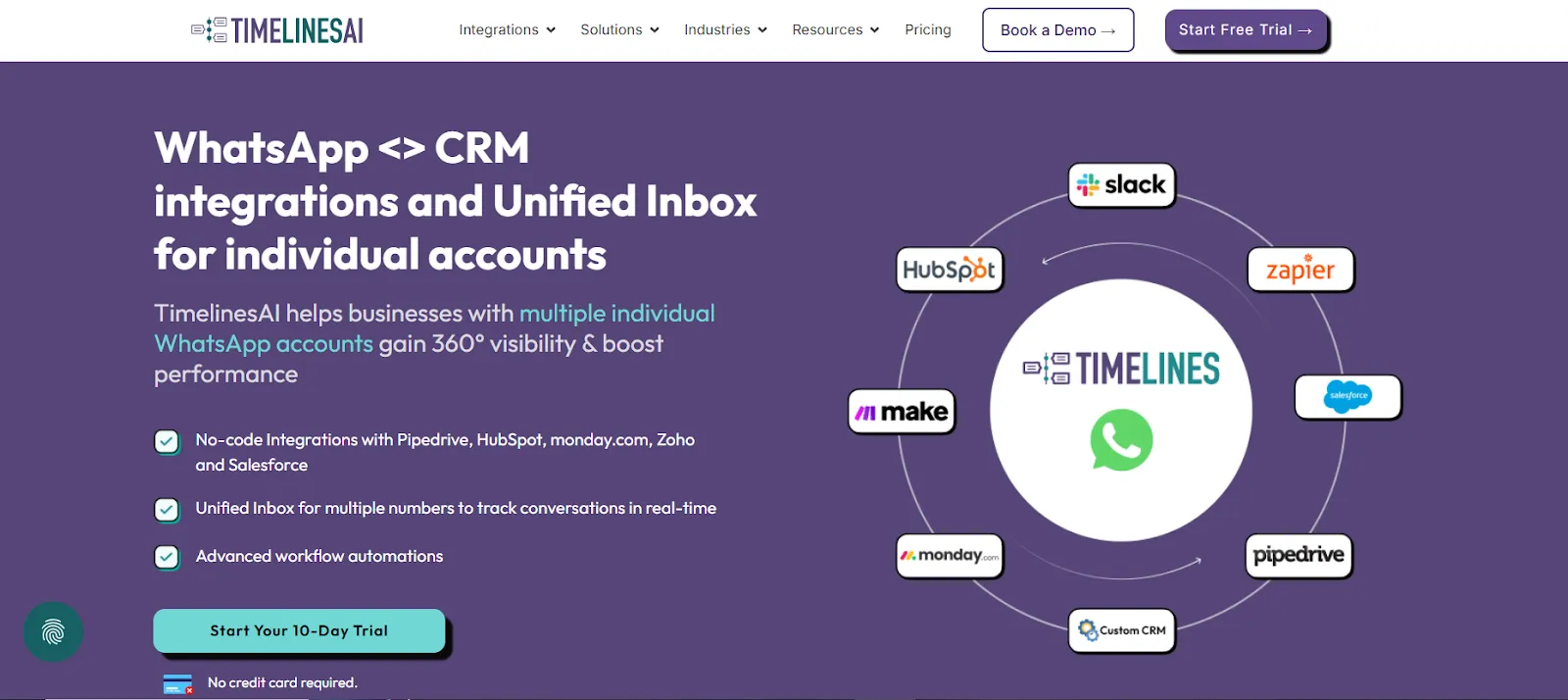
TimelinesAI WhatsApp HubSpot integration gives a simple and ready-to-use solution for businesses. Unlike other tools, timelinesAI aligns well with businesses of all scales due to the reason that there is no requirement for coding.
Features:
Shared Inbox –Manage multiple WhatsApp numbers across your entire sales and support team.
HubSpot Sync – All the external and internal talks are logged in HubSpot by itself.
Workflow Automation – Trigger HubSpot workflows when WhatsApp messages are received or sent.
Deal Management – Track deals and customer journeys directly from HubSpot.
Multi-Agent Support – Gives chat assignments to team members for faster responses.
Why Choose It:
- No need for a technical setup and coding
- It is designed keeping HubSpot users in mind.
- It keeps all the communications and interactions of customers in one place.
Twilio is a well-known communications API that allows businesses to build custom WhatsApp messaging solutions and connect them with HubSpot.
Features:
- Automation – Build personalized workflows for sending WhatsApp messages.
- Notifications alerts – instantly tell the sales team when a new lead contacts.
- Scalability – Scaled for large as well as for small businesses.
Ideal for:
- Great for enterprises with development teams.
- It can be customized, but it requires coding.
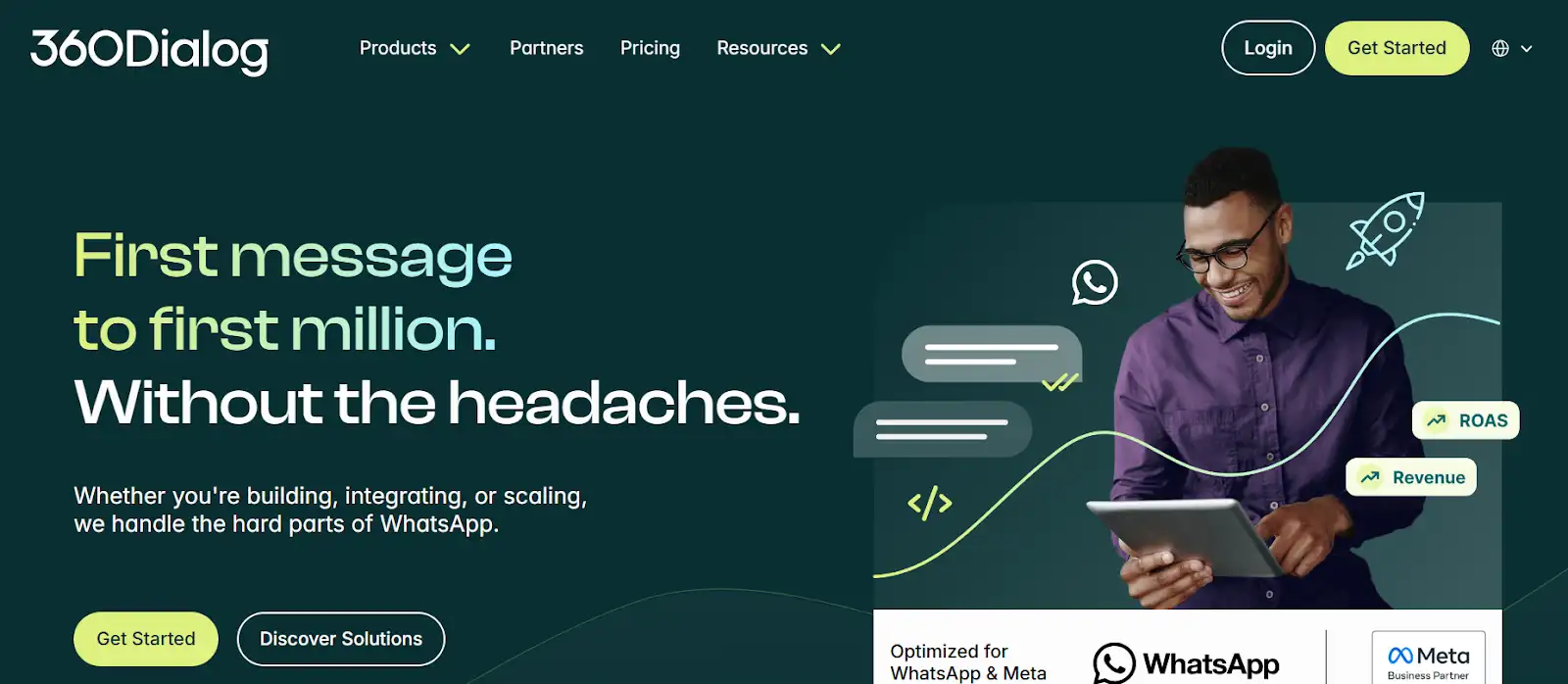
360dialog is a WhatsApp Business API provider that integrates with CRMs such as HubSpot. This is usually used for marketing and campaign-based communication.
Features:
Bulk Campaigns – Can send bulk messages to WhatsApp users for marketing campaigns.
Template Messaging – Use pre-approved WhatsApp message templates.
HubSpot Integration – Sync campaign results and customer replies into CRM.
Ideal for:
- Perfect for businesses in the marketing field.
- It is best for agencies and companies that use WhatsApp for promotional purposes.
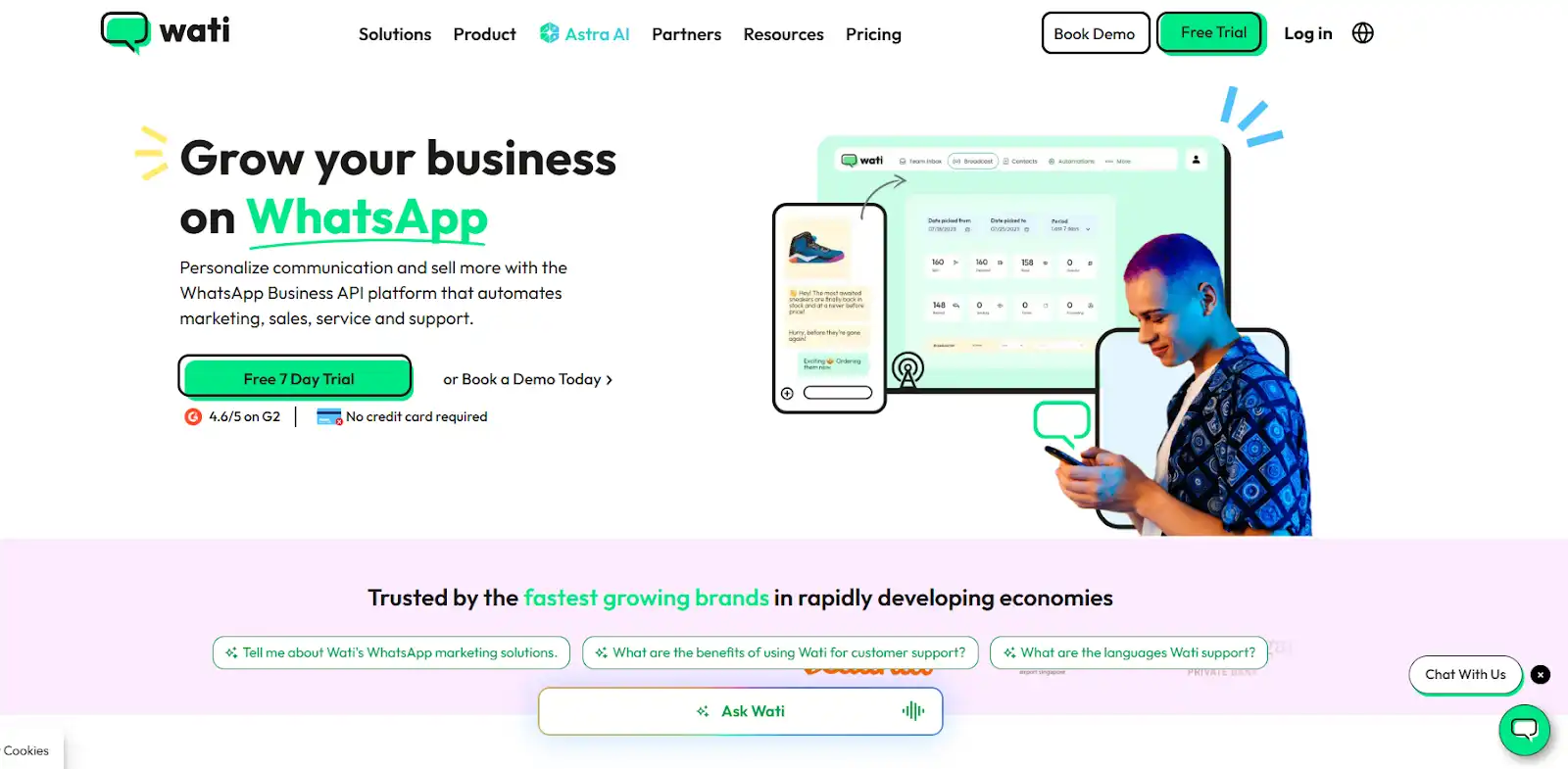
WATI provides a simple way to manage WhatsApp communication and integrates with HubSpot CRM. It doesn’t require any coding for integration. Different businesses require different workflows, allowing you to customize them here.
Features:
Shared Inbox – Manage customer queries across multiple agents.
Chatbots – Customer responses and automated.
Lead Syncing – Save WhatsApp leads directly into HubSpot.
Ideal for:
- Affordable option for startups and small businesses.
- Not as advanced as TimelinesAI, but good for basic integrations.
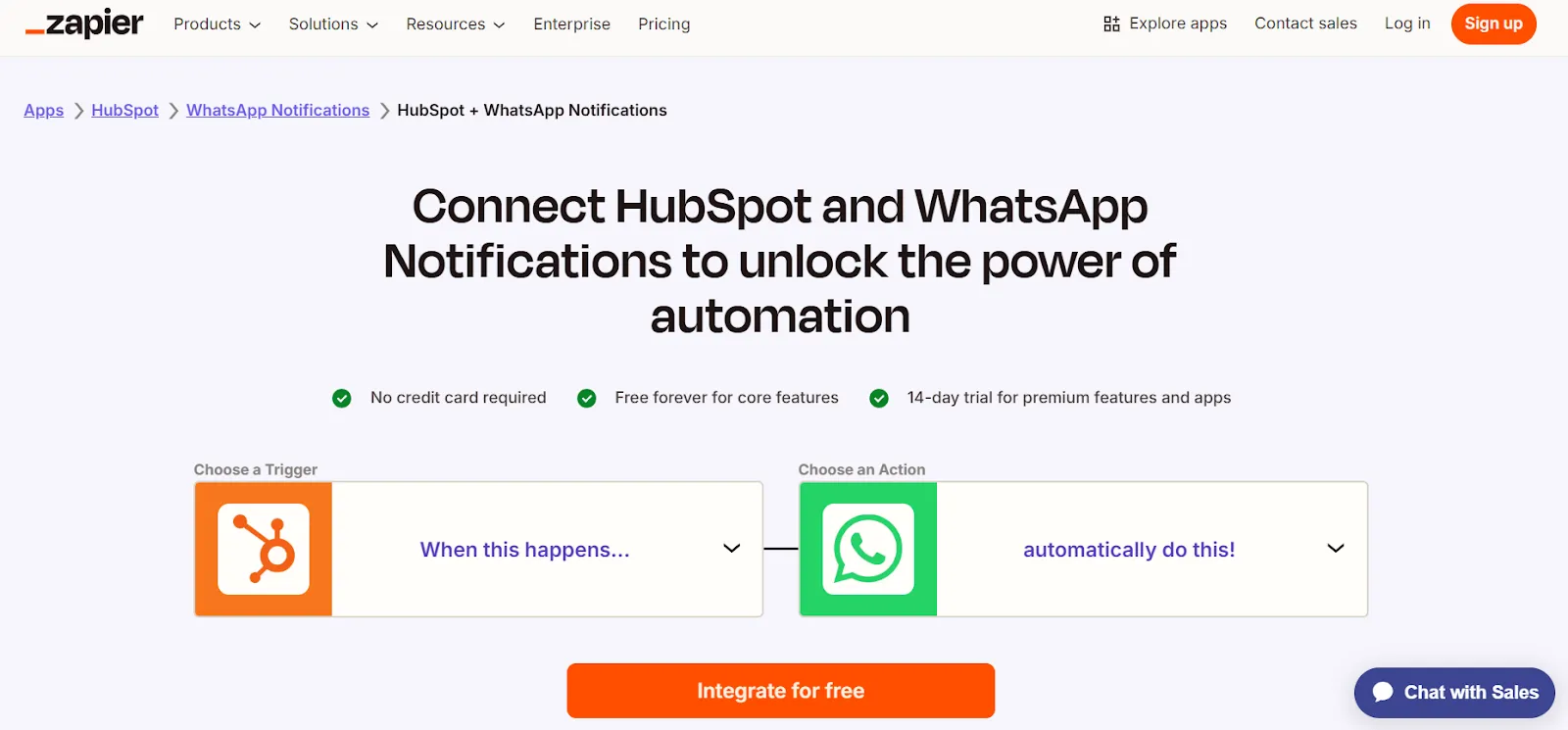
Zapier is also a no-code automation tool that connects both WhatsApp and HubSpot CRM.
Features:
Pre-Built Zaps – Automate WhatsApp-to-HubSpot actions.
Activity Logging – Record WhatsApp conversations as HubSpot activities.
Workflow Triggers – Start HubSpot workflows from WhatsApp actions.
Ideal for:
- Flexible, especially for unique workflows.
- It can get expensive with multiple Zaps.
- Requires setup effort for scaling.
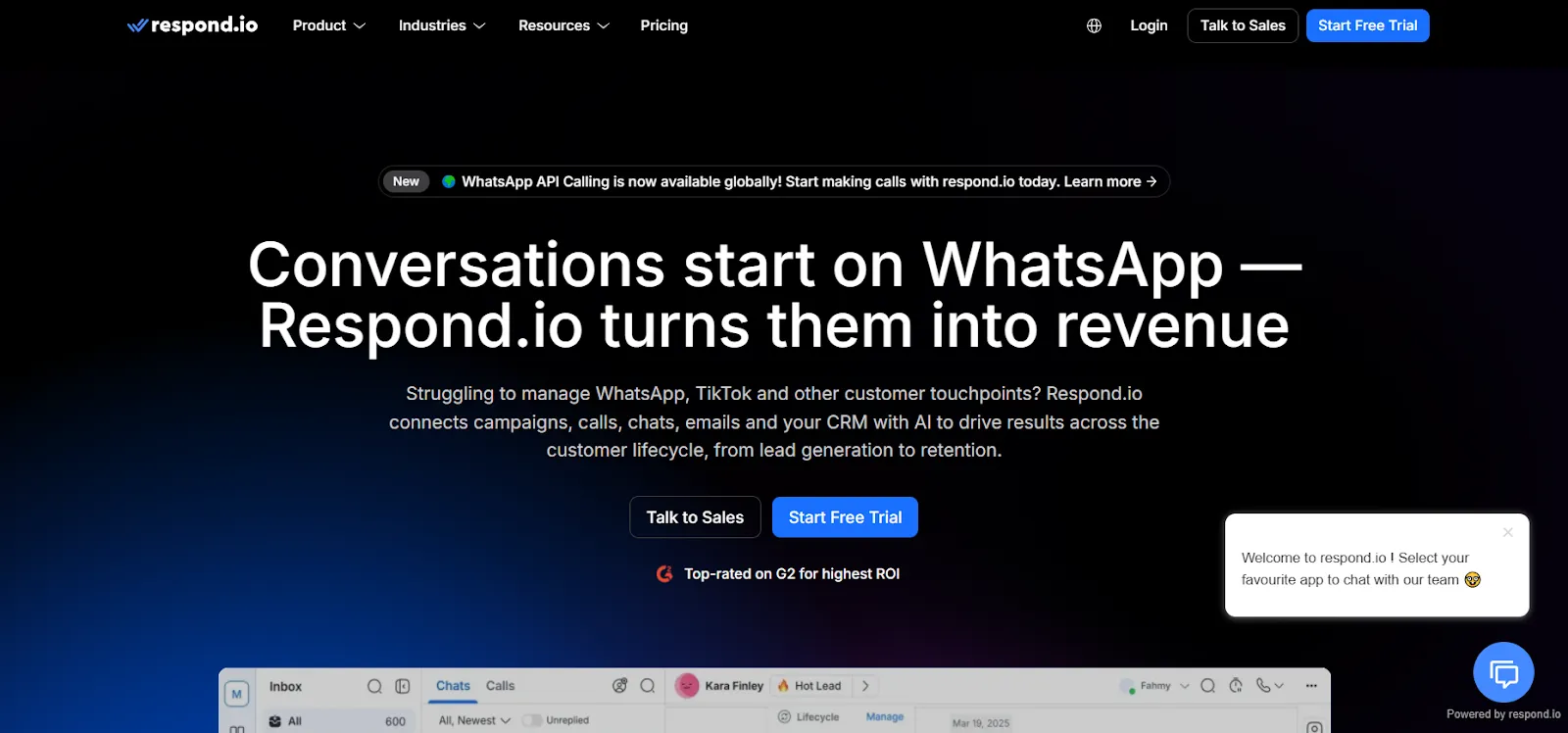
Respond.io is an omnichannel platform that also provides HubSpot and WhatsApp integration.
In this integration, contacts and chats are easily visible on respond.io, so agents always have information about customers or clients at hand during meetings.
Features:
Unified Inbox – It manages conversations in a single place.
Customer Journeys – Build flows across WhatsApp and other channels.
HubSpot Sync – Log data from WhatsApp into CRM.
Ideal for:
- Great for businesses engaging across multiple platforms.
- Also, do integrations with other platforms other than WhatsApp
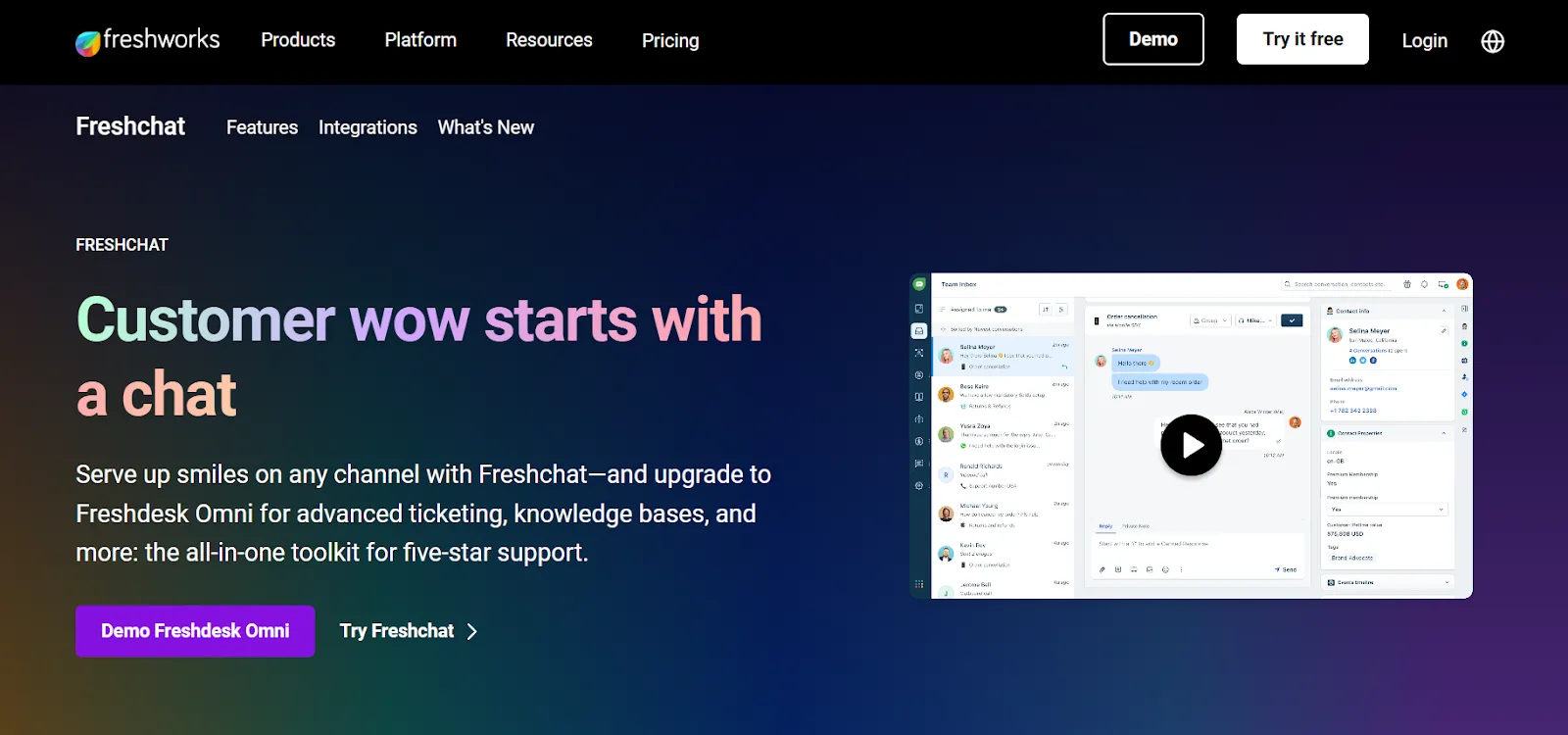
Freshchat is a customer support solution that offers WhatsApp messaging with HubSpot integration.
Features:
Support Tickets – Turn WhatsApp chats into tickets.
Customer History – View customer details inside HubSpot.
Automation – Speed up responses with bots and templates.
Ideal for:
- A strong option for customer support teams.
- Ideal for service-heavy businesses needing HubSpot syncing.
The right tool for this type of integration can make your business communications run smoothly. Some of the tools require coding, and others do not, some tools require heavy customization or developer input, others are designed for quick setup and team collaboration.
The best tool is the one that is according to your business goals. By comparing features of tools like shared inbox, automation, etc, the business must choose the tool that not only saves time but builds customer relationships more effectively.

Sprintzeal
Tue, 25 February 2025
Mon, 31 March 2025

Tue, 25 February 2025


© 2024 Sprintzeal Americas Inc. - All Rights Reserved.

 USA : +1315-322-7821
 UK : +44 7700 174870
 IND : +919008230179
 AUS : +61 480 005 455
Leave a comment