What Is Edge Computing? Types, Applications, and the Future
Fri, 06 December 2024

Follow the stories of academics and their research expeditions

Since AI improves judgment, reduces errors, and increases productivity, it is trying to reinvent project management. Complicated workflows are often difficult for new methods to handle. Process automation, prescriptive modelling, and smart scheduling are all made available by AI tools. AI is vital to modern project management since it improves cooperation, quickens procedures, and helps teams of all sizes to complete projects on schedule.
AI Project Management Software has become important for businesses in all industry sectors as digital transformation gets up to speed. These sophisticated tools are likely to be sufficient help and support in project management from start to finish, going further than task tracking. AI tools allow management to concentrate on sound decisions and inventive problem-solving by automating routine tasks, maximizing task allocation, and providing actionable, data-driven insights. Using these methods to develop smarter, faster, more flexible and more responsive workflows will be important to project management in the future. help businesses stay in a market that is changing constantly.
Below are the top 16 AI Project Management Software for 2026: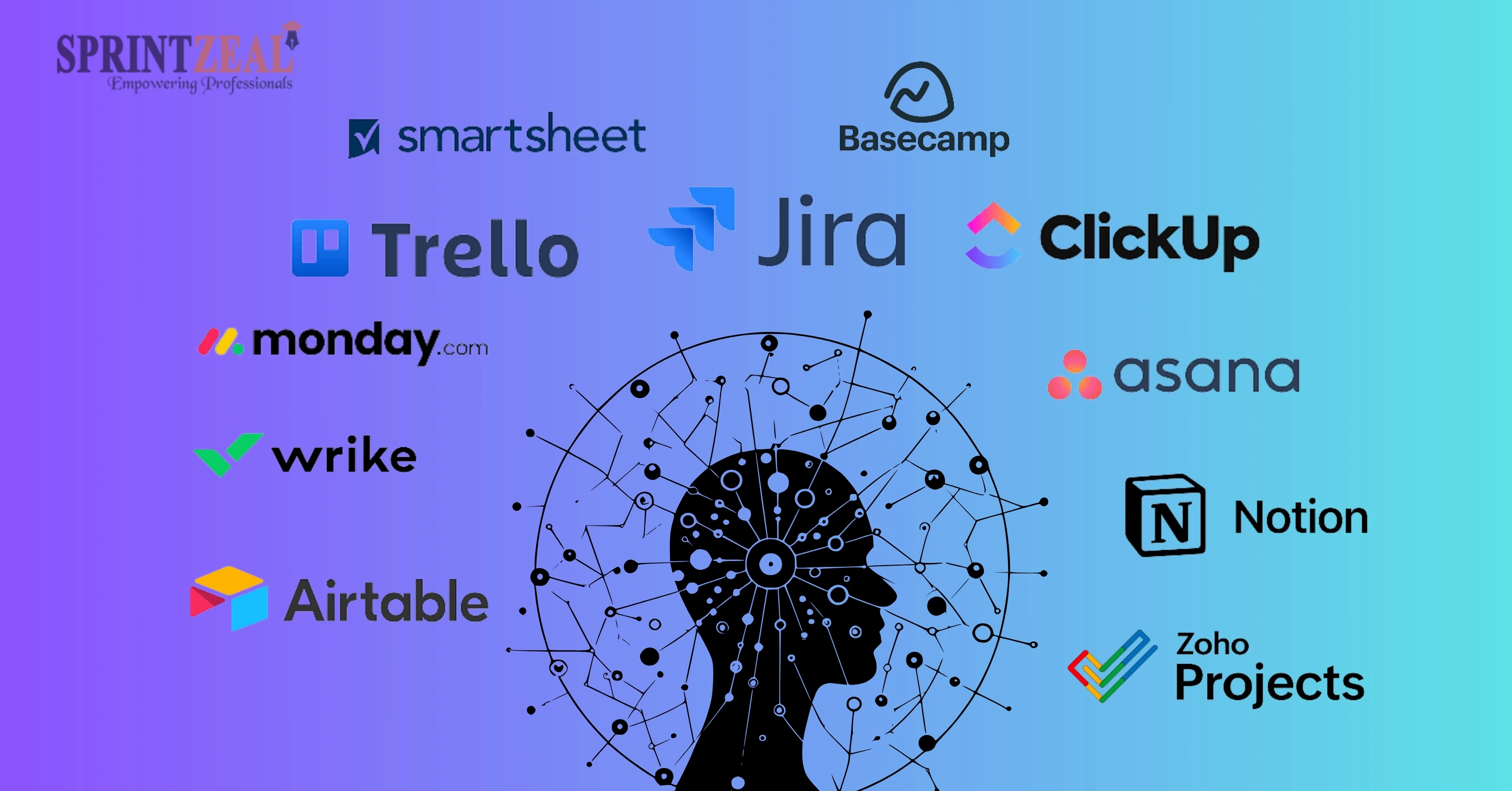
1) Asana
Asana simplifies project management with task tracking, timelines, and automation. Its intuitive interface boosts team collaboration and task organization.
2) BaseCamp
BaseCamp combines team communication and project tracking in one platform. It offers message boards, task lists, and file sharing.
3) ClickUp
ClickUp is a highly customizable project management tool offering task organization, time tracking, and document management.
4) Forecast
Forecast uses AI to streamline project planning, resource allocation, and budget tracking, ideal for professional services.
5) Jira
Jira specializes in agile project management with features for sprints, backlog grooming, and issue tracking.
6) Loom
Loom focuses on video communication, enabling teams to share updates, tutorials, and feedback through quick screen recordings.
7) Motion
Motion combines scheduling and task management with AI-powered productivity features, streamlining personal and professional workflows.
8) Monday.com
Monday.com presents a viable framework for project management that includes wonderful opportunities, system integration, and mechanisation.
9) Makeup.ai
Makeup.ai uses AI to provide analytics for wise decisions, monitor progress, and gather understanding into projects.
10) Notion
The Notion is a flexible application that incorporates memos, project planning, and teamwork into a single user interface.
11) OneCal
OneCal specializes in team calendar synchronization and task scheduling, ensuring seamless collaboration across different time zones.
12) Slack
With features for file sharing, integration, and messaging, Slack is a tool for team communication.
13) Trello
Trello makes it easy to project progress as well as workflows by using Gantt charts to organize tasks.
14) Taskade
With its real-time task management, note-taking, and collaboration tools, Taskade boosts productivity.
15) Wrike
Wrike offers powerful project management tools with task tracking, resource planning, and analytics.
16) Zenkit
Zenkit combines task management, database building, and CRM functionalities into one platform.

1) Increased Productivity: To focus on strategic goals, automate repetitive tasks.
2) Better Decision-Making: Use data analytics to calculate various observations.
3) Improved Cooperation: Ease scheduling and team communication.
4) Less Errors: Anticipate possible issues and solve them before they occur.
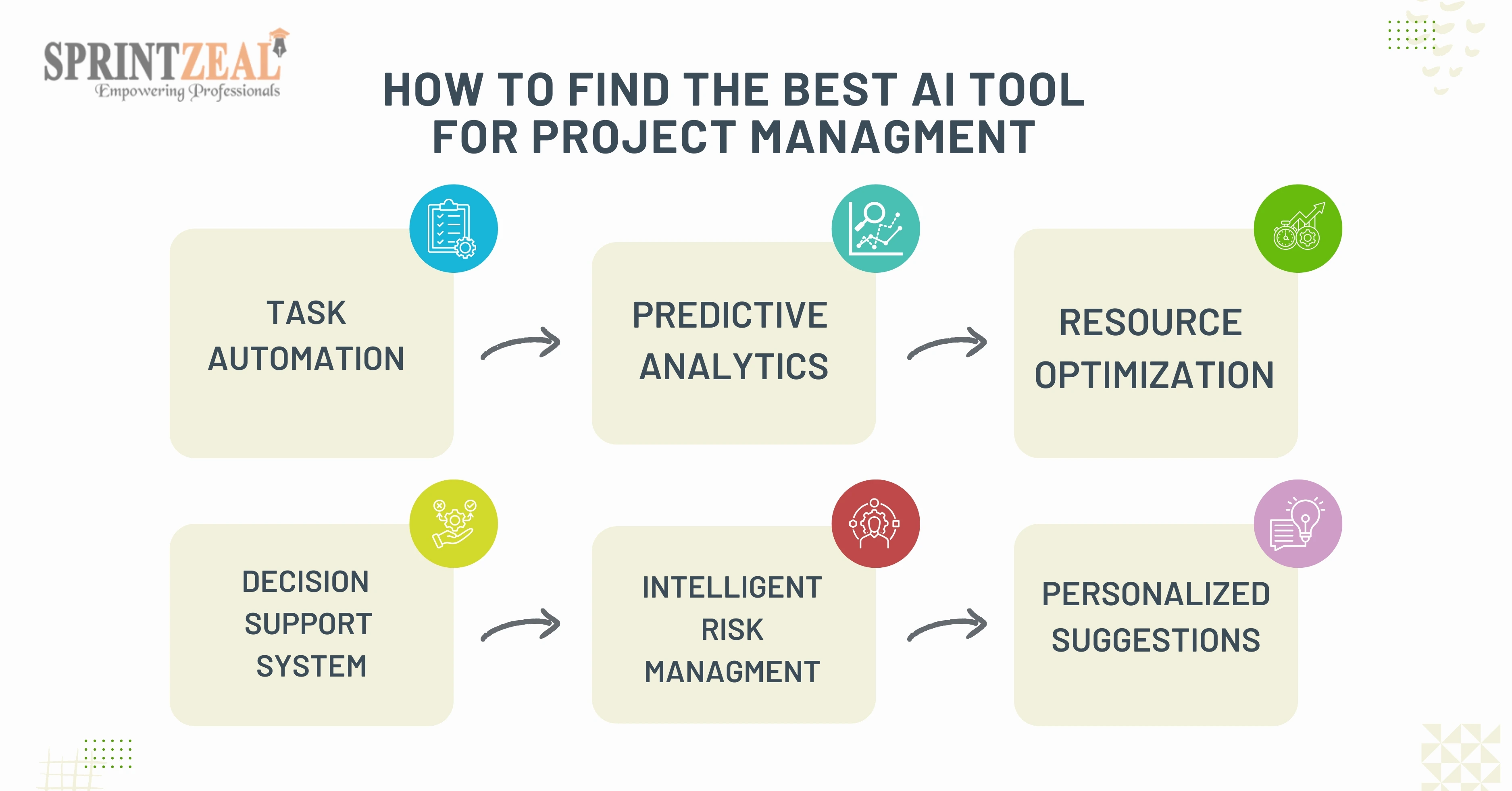
Opt for tools offering free trials or demos.
Project management has begun driven by artificial intelligence. Teams can increase productivity, lesser errors, and accomplish their goals more quickly by implementing the best AI project management software. In 2026, accept choosing the optimum possibilities of AI-driven project management by tool.
Take advantage of Sprintzeal's training programs to become an expert in AI project management. To improve team productivity and project success, learn how to use AI tools effectively. To learn more about our selection of project management courses, visit Sprintzeal.
Which is the best AI for project management?
With features like resource planning, task automation, and data modelling, Asana, Monday.com, and ClickUp are some of the best AI-powered project management systems.
What is the best free AI for 2026?
Trello, ClickUp, and Notion offer robust free AI features that help with task automation and team collaboration.
Which AI is best for project work?
ClickUp and Jira are great for project work, providing AI-driven task management, time tracking, and data insights for streamlined project execution.
Will AI replace PMO?
Although AI won't fill the role of PMOs, it will improve their capabilities by automating tasks, and assessment processes, and assigning funds optimally, freeing PMOs to concentrate on strategic planning.

Sprintzeal
Fri, 06 December 2024
Wed, 16 October 2024

Tue, 01 October 2024


© 2024 Sprintzeal Americas Inc. - All Rights Reserved.

 USA : +1315-322-7821
 UK : +44 7700 174870
 IND : +919008230179
 AUS : +61 480 005 455
Leave a comment